
A brighter kitchen.
Natural professional
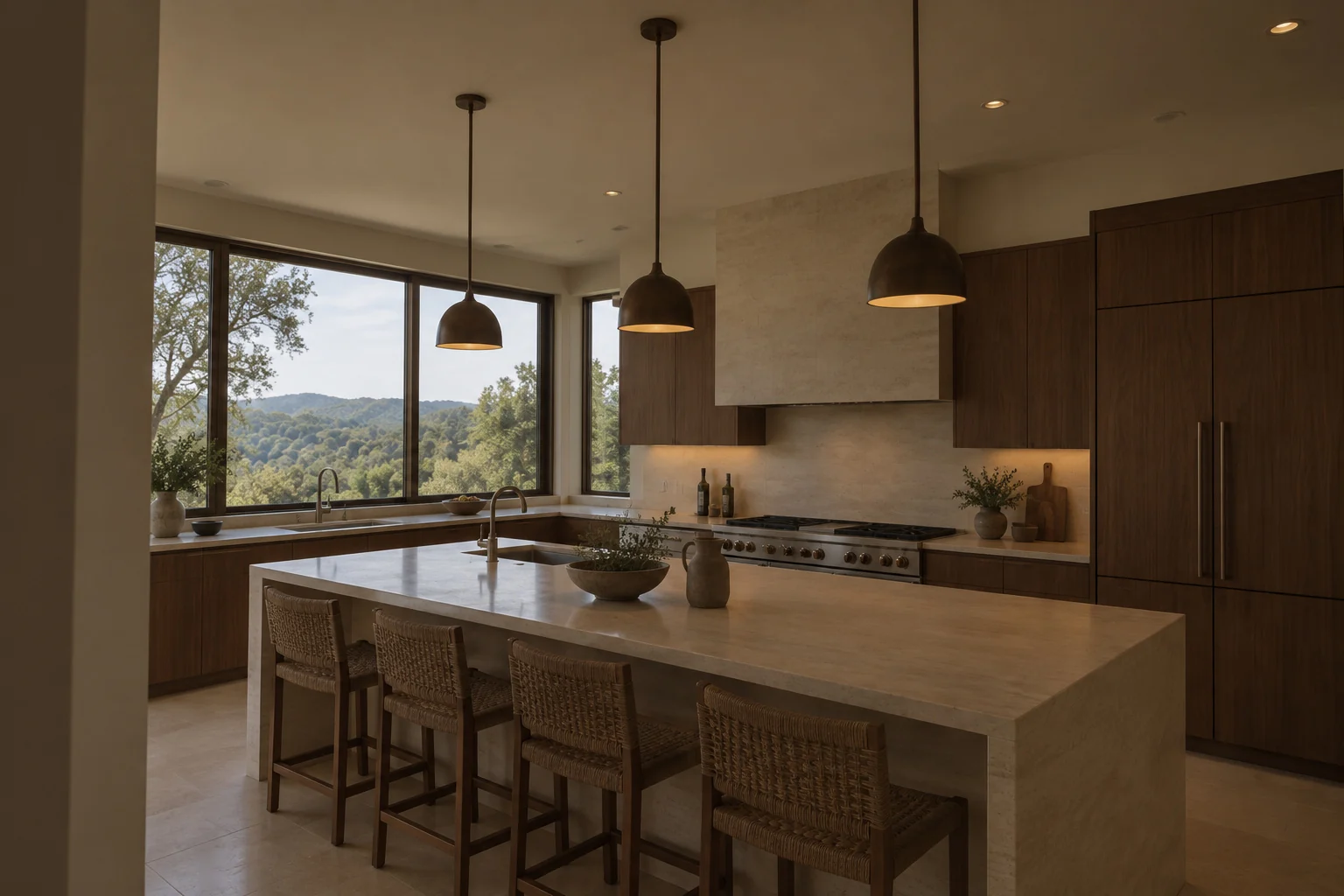
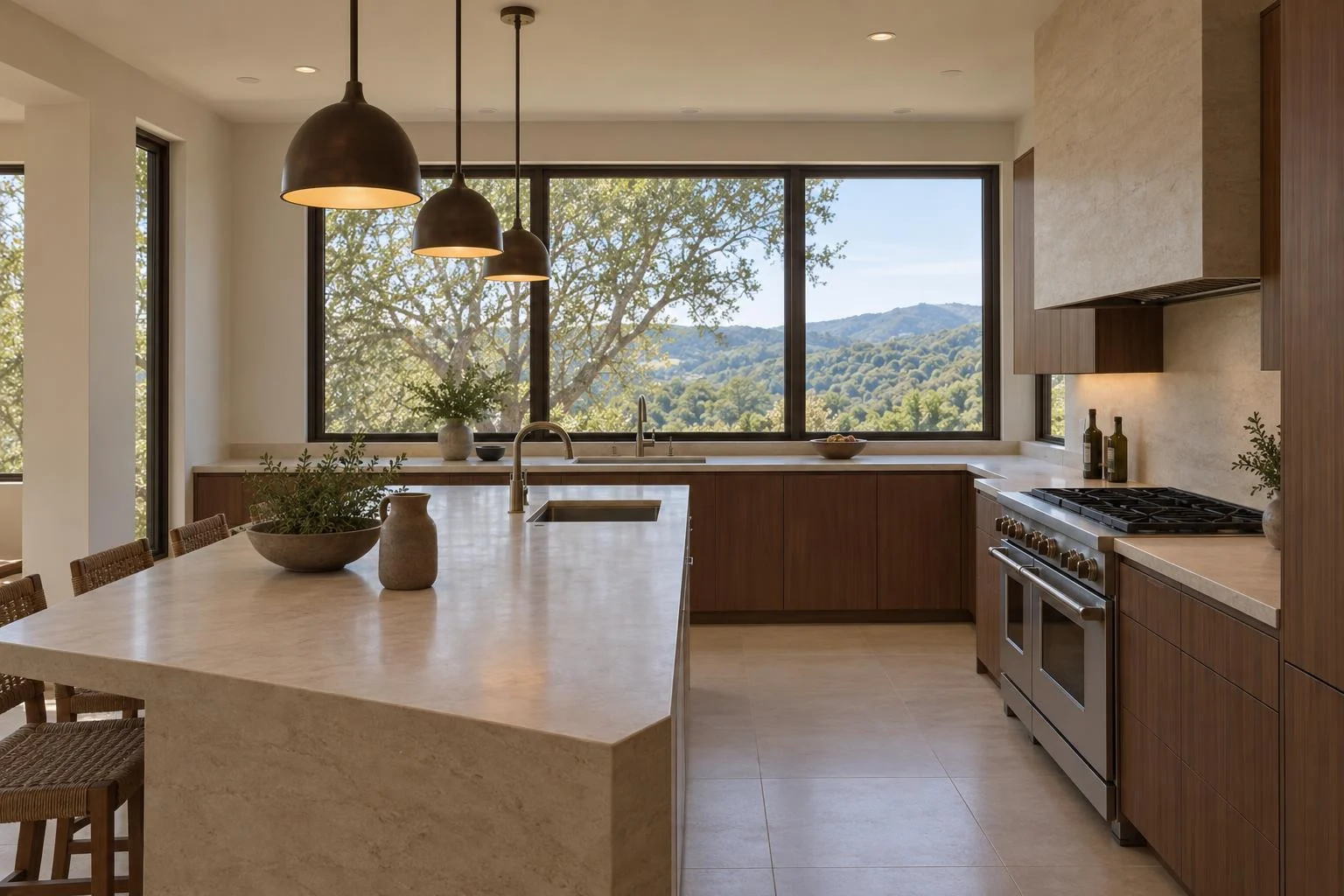
Present properties beautifully
Turn your listing photos into an AI property walkthrough video. Choose the length, review the price, and download your finished video.
A natural room-to-room story
Begin outside, move through the main living spaces, and finish with the details that make the home memorable. Preview the selected scenes before you start.
 Preview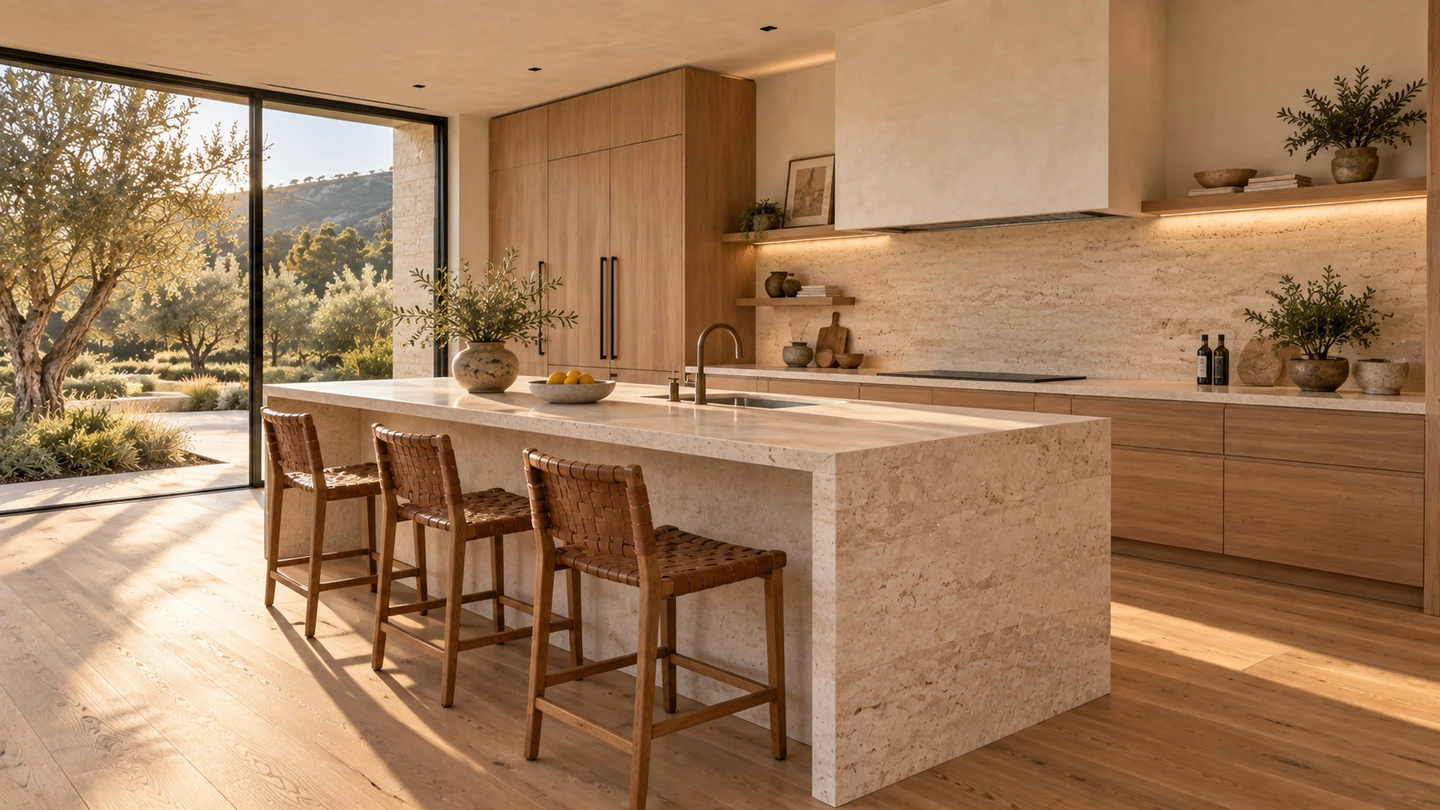
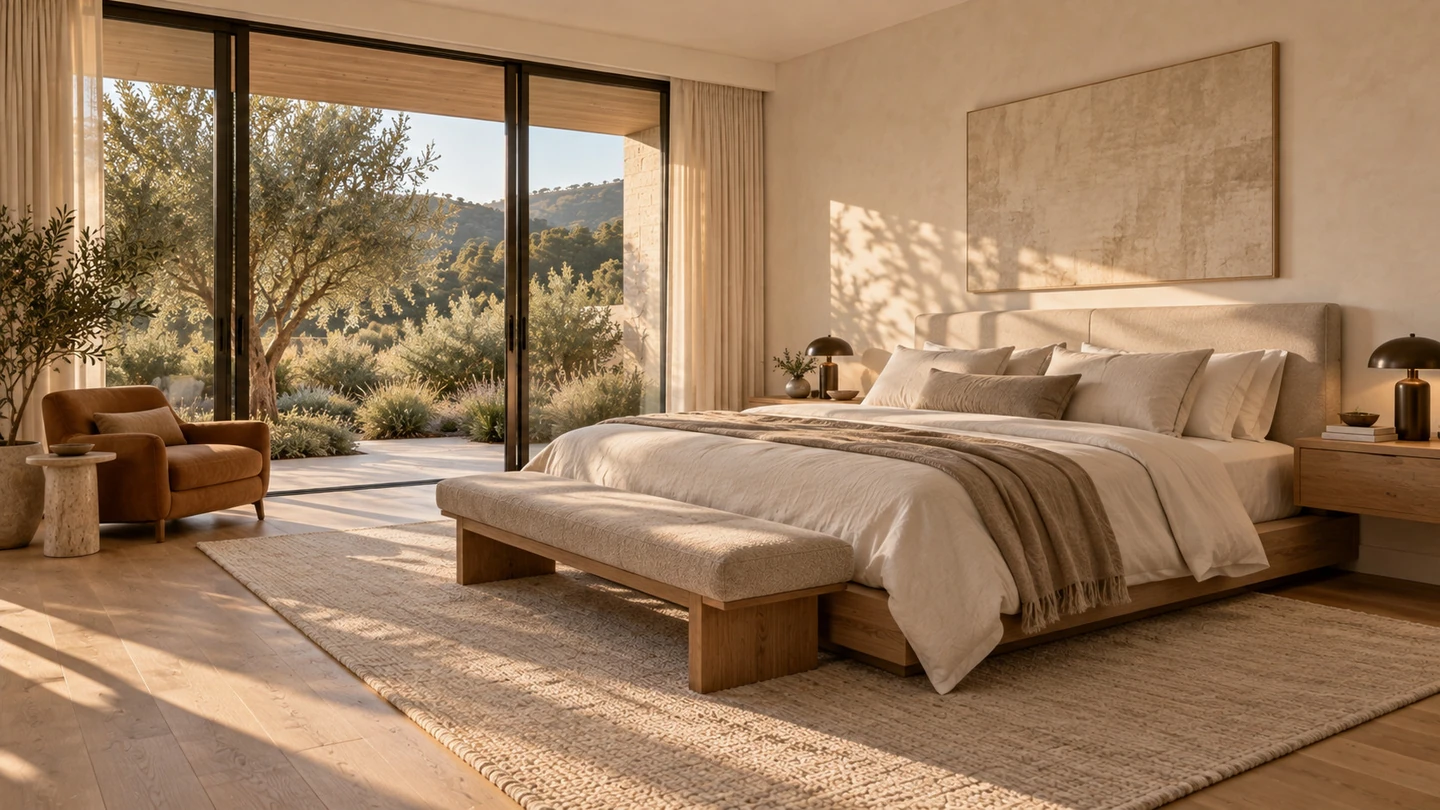
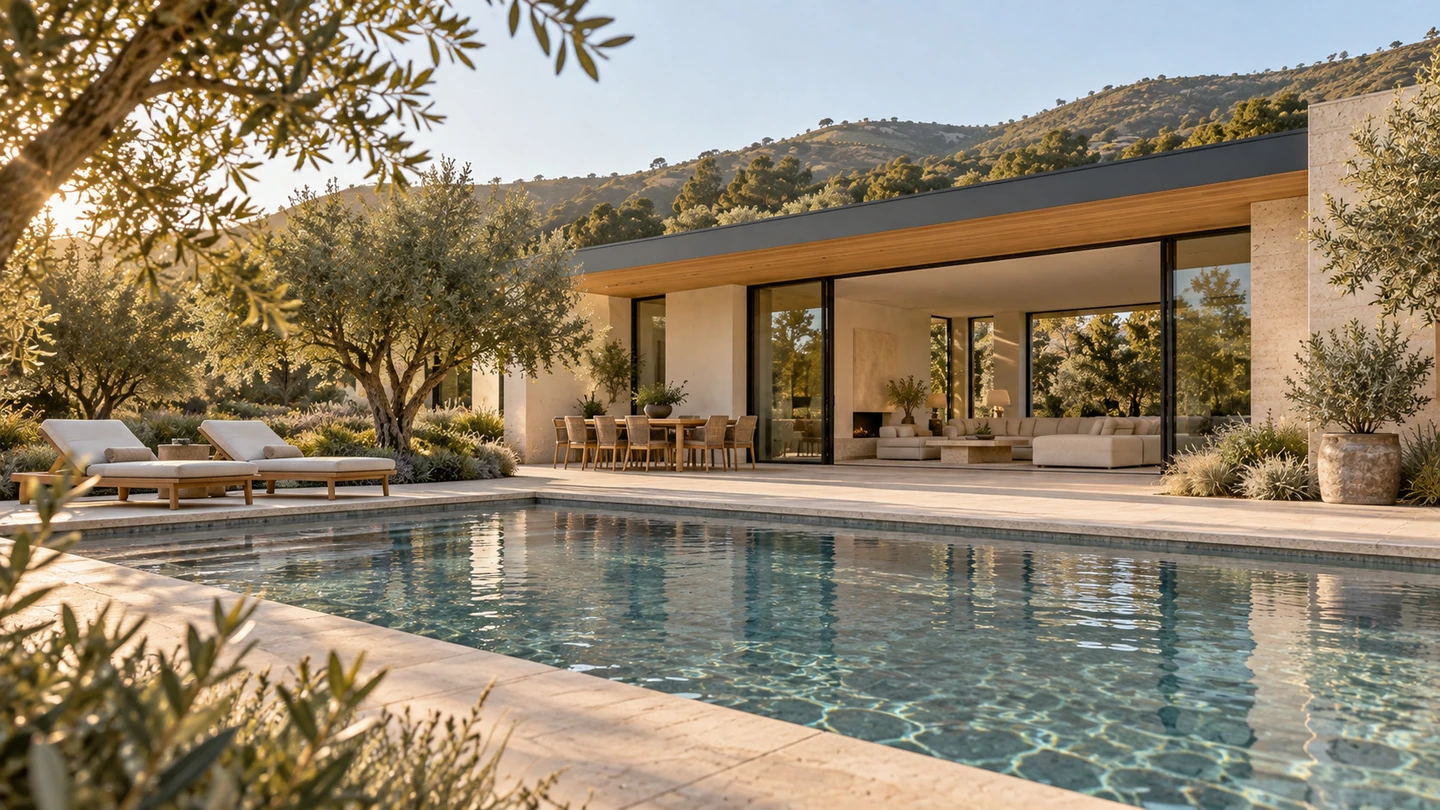
A calm path from photos to walkthrough
Add your photos, choose the length, and create a walkthrough that’s ready to download and share. You can also create vertical shorts for social media.
Bring the listing photos you have permission to use. We check each photo before it is added to your project.
Choose a 15 to 120-second walkthrough to suit your property and budget. See the credit cost as you make your choice.
Biyra turns your photos into a flowing property video. Start creation and follow its progress from your workspace.
Find your finished walkthrough in your library. Download it to share on your listings, website, and social media.
Built with care
Simple pricing
Pick a video length to see a clear credit estimate. You will review the final total before you begin.
Buy credit packs from your workspace.
This length typically uses 8–15 scenes, selected from your property photos.
This estimate uses 10 credits per 15 seconds. The price depends on video length, with no extra charge per photo. You’ll confirm the total before creation starts.A starting point: 45 seconds30 credits · balanced pacing for most listings
Photo Studio
Give underwhelming listing photos a fresh perspective. Biyra creates a new photographic composition from your original, with a finish that brings the property into focus.
See how it worksThe living room at Alder House. Choose a finish to compare.
A considered viewpoint with balanced coverage of the room.
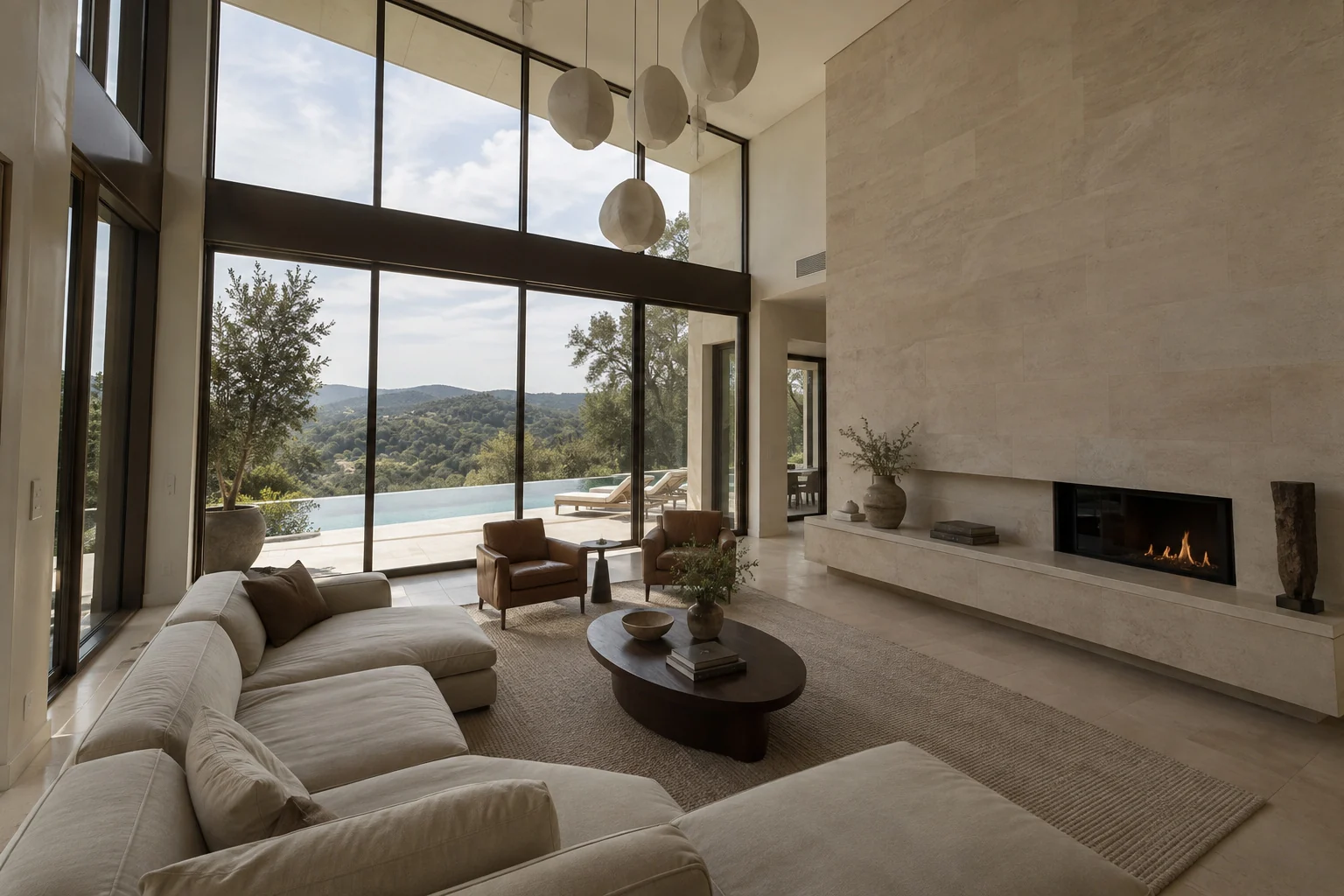
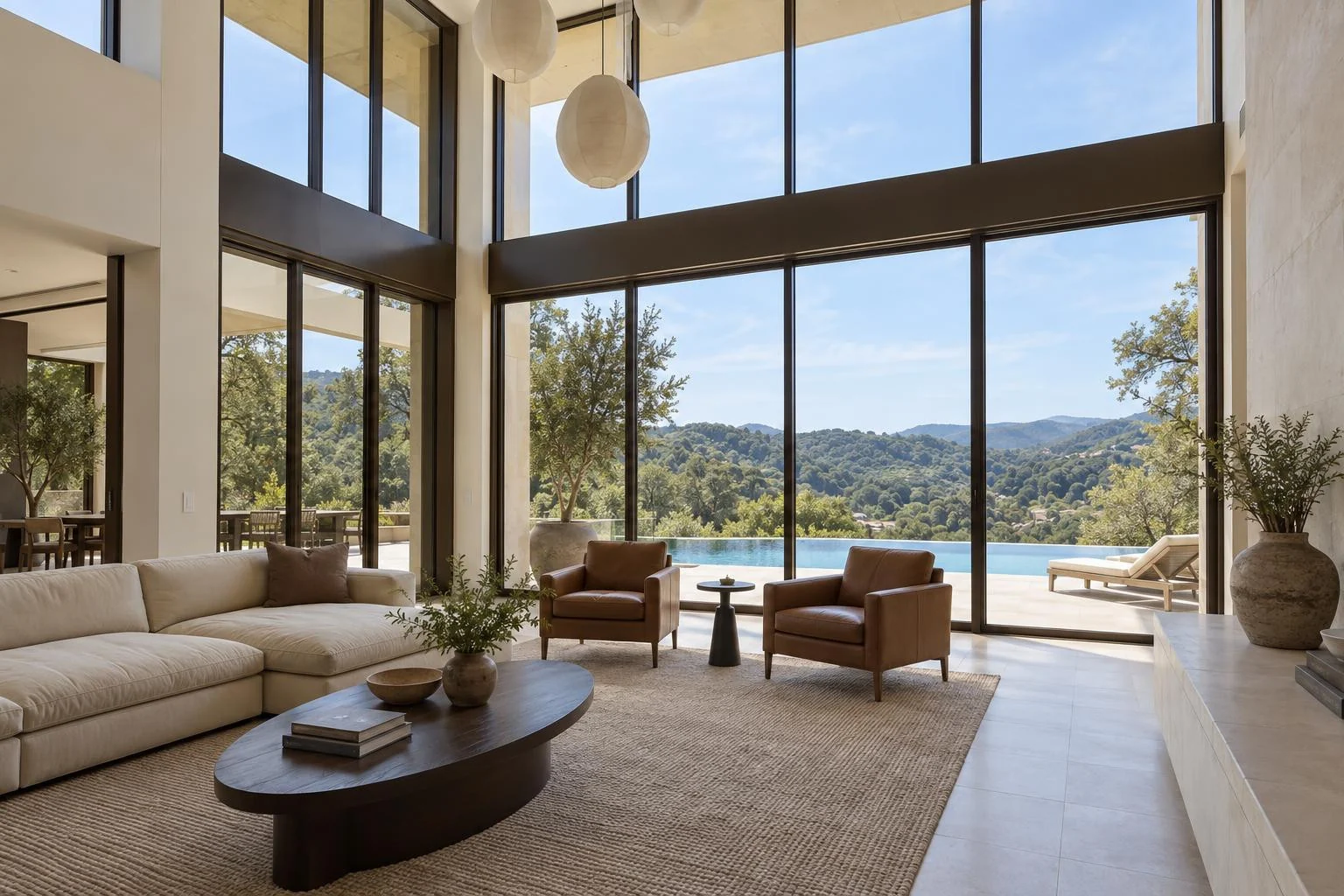
Natural professional
Luxury editorial
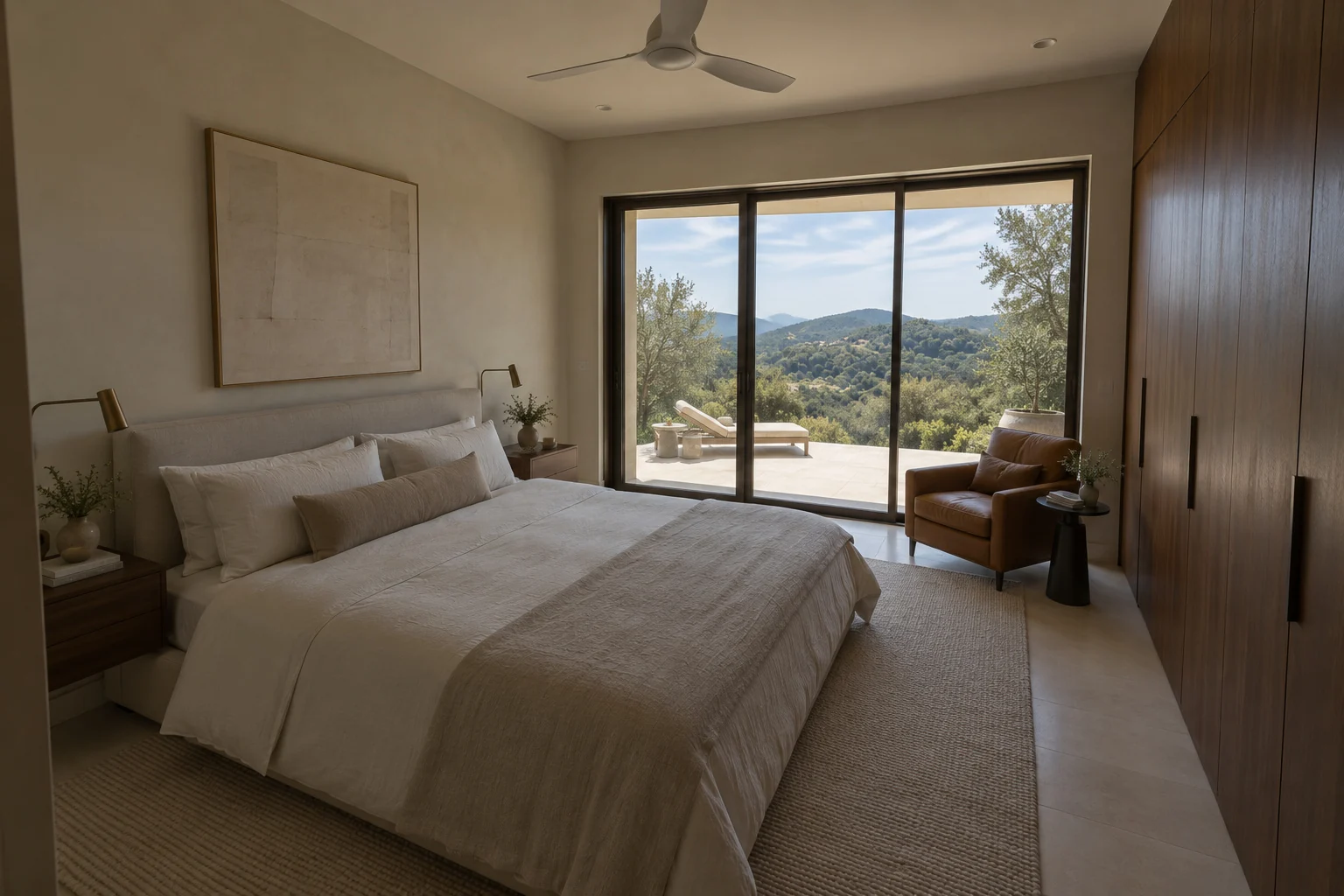
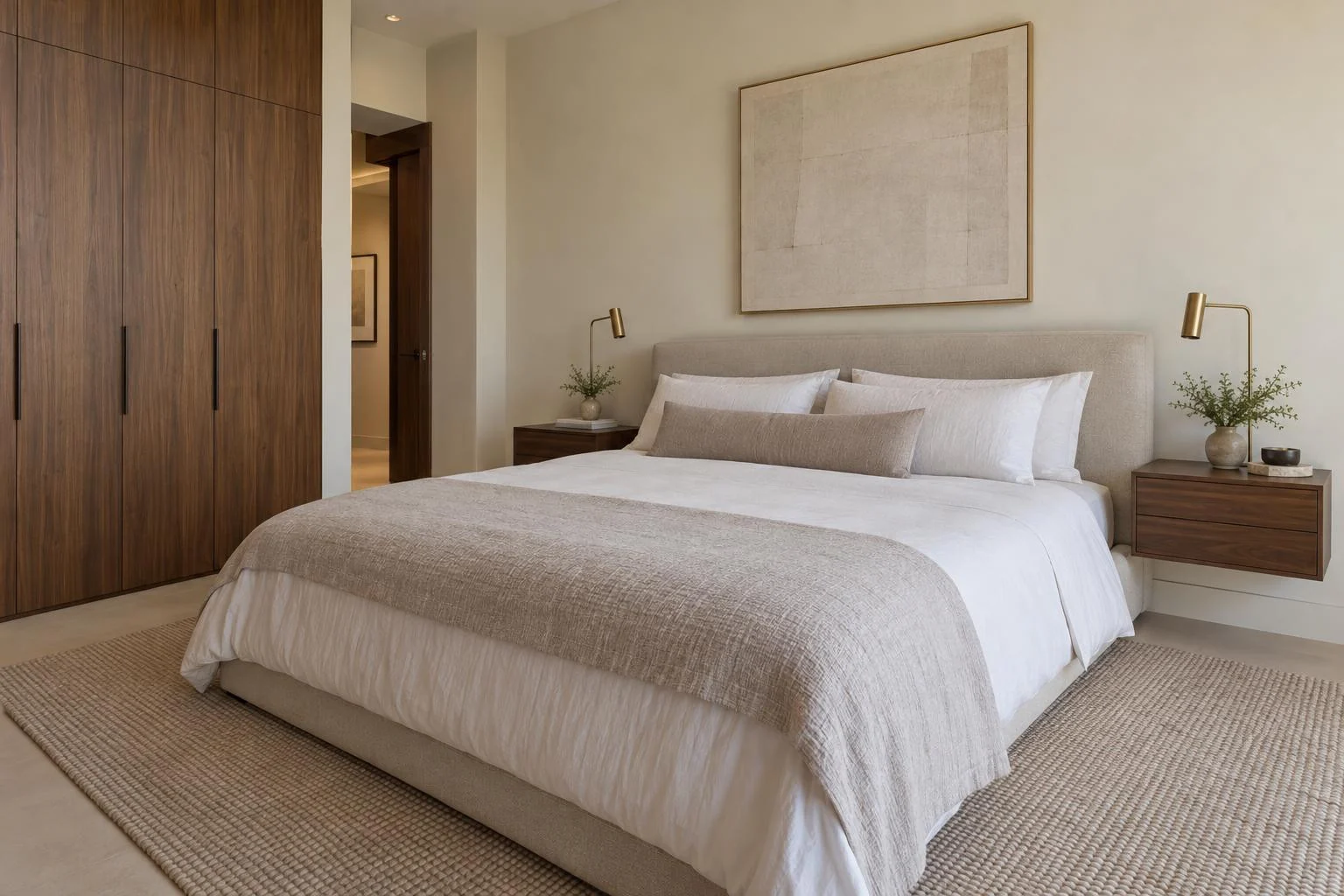
Alder House is a fictional luxury property. The original photos are AI-created; every after image was generated with Biyra Photo Studio. Results vary by photo.
From the photos you have to a fresh first impression
Upload the property photos you already have, or import a listing link. Choose up to 20 photos you have permission to use.
Select Natural professional or Luxury editorial. Add your saved watermark if you like, then review the total before you start.
Compare each result with its original. Download a single JPG or your finished photos together in a ZIP.
Clear photo pricing
0.20 credits per generated photo
Review the total before you begin. Successfully generated photos are charged on delivery; failed or unchanged photos are not charged.
AI can change property details. Compare each result with your original and check that it represents the listing before you publish.
A fresh perspective
Bring your next listing into focus, one photo at a time.
Staging
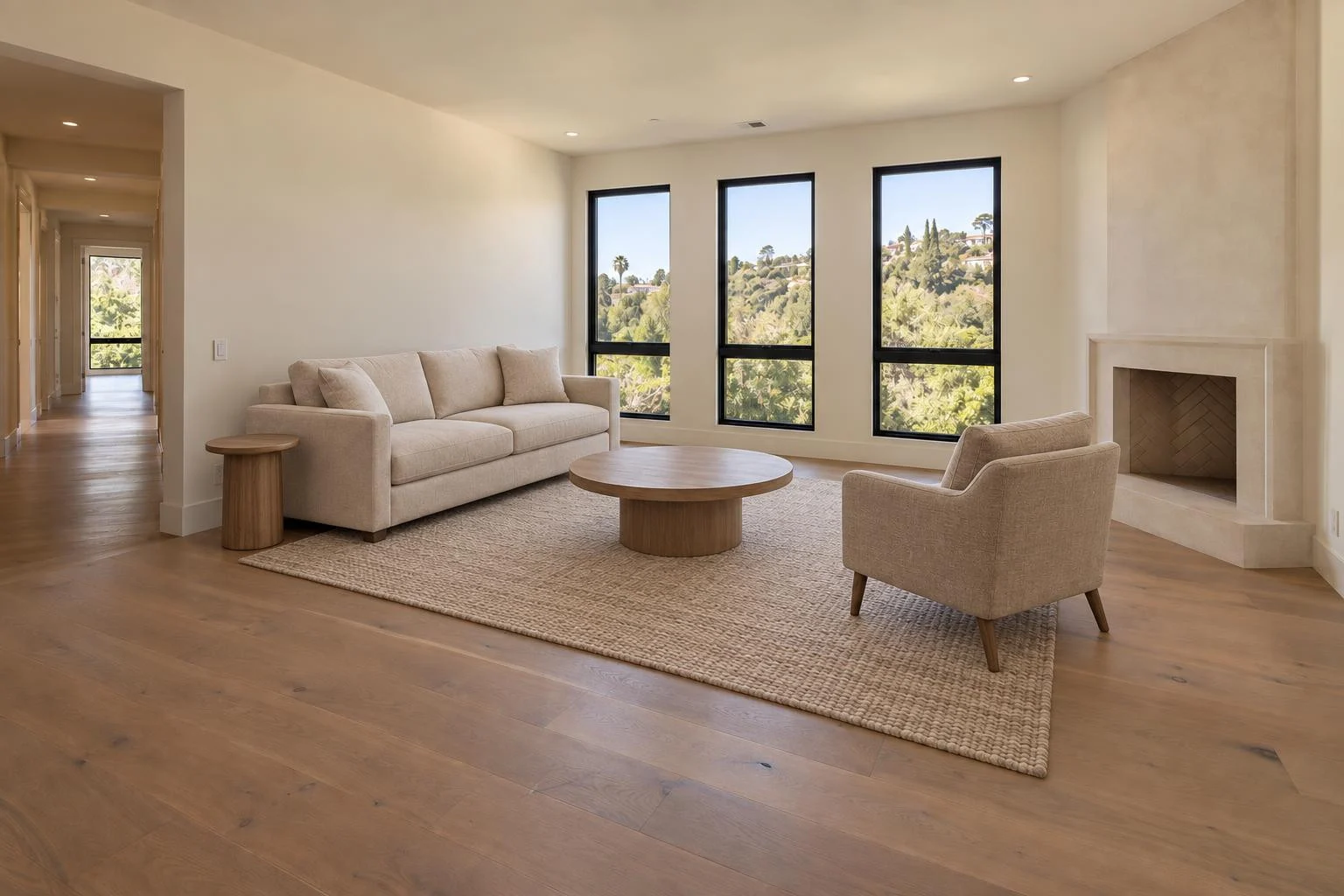
Turn an empty living room or bedroom into an inviting space. Biyra adds virtual furniture with a style that helps buyers picture life there.
Stage a room0.25 credits per successfully staged photo. Charged automatically when it’s ready.
Warm contemporary
Organization
Bring the people behind your listings together, from the first upload to the finished result.
Keep your team’s property work together in one place.
Use credits together and see what each person has spent.
Share an invite link, manage roles and remove members when you need to.
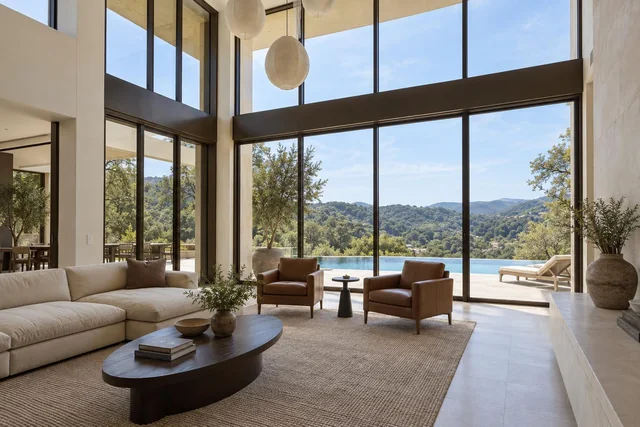
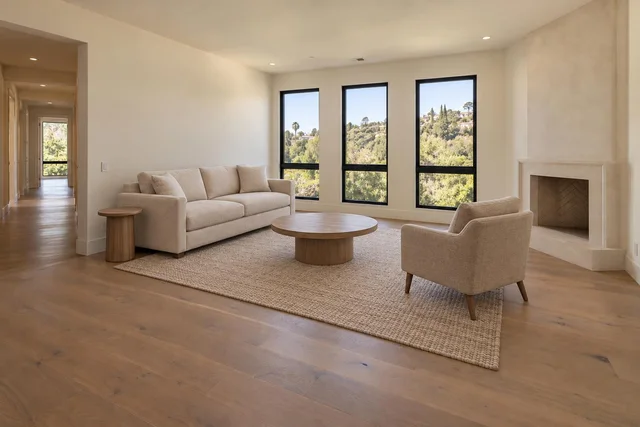
3 people. One place to create.
| Team | Credits used |
|---|---|
| MorganOwner | 2.25 |
| AlexAdmin | 0.75 |
| JamieMember | 0.50 |
Organizations are optional. Create one from your account menu whenever you’re ready.
Straight answers
No. Each video is designed with movement between views. If a simpler transition is used, we’ll make that clear.
Only use photographs you own or have permission to use for this listing. You confirm that permission before you begin.
You see the total before you start. Biyra reserves credits when you confirm an order. For Photo Studio and Staging, successfully generated photos are charged on delivery. Unsuccessful photos are not charged.
No. A project can remain private and use only a project name, property type, and optional editorial notes.
Yes. Paste the public HTTPS page for one specific property and confirm you have permission. If it cannot be imported, upload the photos directly.
Workspace owners and admins can buy credit packs when purchases are available. If purchases aren’t available yet, you can still create your workspace.
Photo Studio creates a new photographic composition from your original, with Natural professional or Luxury editorial finishes. AI can change property details, so compare every result with the original and check that it represents the listing before publishing.
Projects are deleted after seven days without activity. Uploads, edits and regeneration restart that window. Download your results before the expiry shown in your project. Regenerating a photo is charged separately.
Yes. Create an organization from your account menu and invite your team with a link. Members share projects, an overview and a credit balance. Owners and admins can manage access and see each person’s credit usage. You can also use Biyra on your own without creating an organization.
Create with Google
Create your account with Google to make property videos, refresh photos or stage empty rooms.
